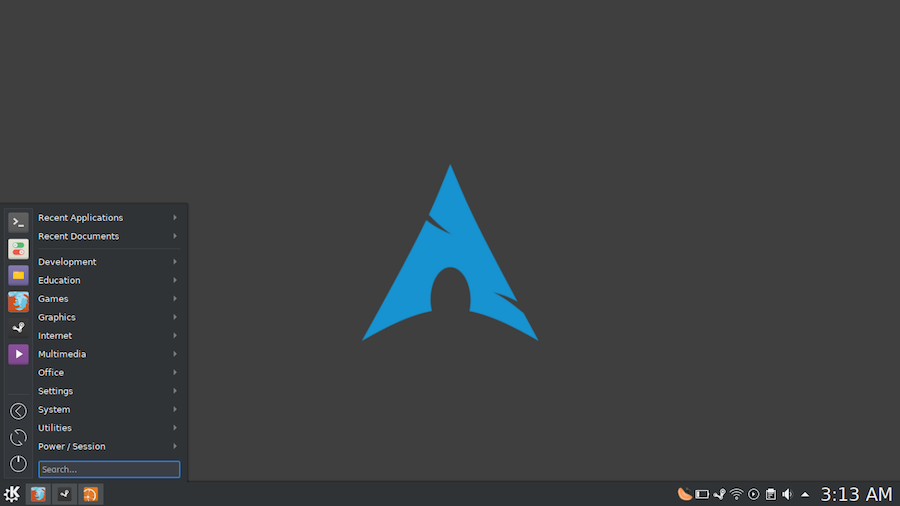
ARCH Linux is one of the most flexible and less resourceful Linux distributions. Developed for general use, this unique distribution can be configured from scratch by a least-average user. Being a rolling release, Arch is almost unequalled in the world of Linux distributions. The default package manager in Arch is pacman, which operates relatively similarly to apt-get in Ubuntu environments.
Key Points
- The Arch User Repository (AUR) is a community-driven warehouse containing PKGBUILD packages.
- AUR assistants simplify compiling, building, and installing software outside official repositories.
- Command-line tools like Yaourt and Packer mimic pacman syntax for effortless terminal navigation.
- Advanced assistants focus on reducing user interaction or enhancing package installation security.
- Graphical solutions like Octopi provide dual-panel interfaces for users who prefer visual package management.
What Is AUR and Why Do You Need It?
One of the most important things in Arch Linux is AUR (Arch User Repository). It is a huge warehouse software made by the community, which contains PKGBUILD packages, allowing users to compile, build and install software that is not in the official repositories of distribution. Many new packages are first launched in the AUR and are then placed in official warehouses.
To ensure your overall setup runs efficiently after deploying software packages, you can look into optimizing system tracking using Pinguzo a tool for real-time Linux monitoring to watch server performance parameters continuously.
Below I will present some AUR assistants that will make your life easier in this wonderful Arch Linux distribution.
What Are the Best Command-Line AUR Helpers?
- Yaourt (Yet Another User Repository Tool)
Yaourt is based on the command line, being the most used AUR assistant. It is recommended to new ARCH users before starting to use other assistants. AUR is equivalent to Pacman and it presents several advantages: commands and options are similar to those of Pacman, color output, supporting backup and system upgrade. - Packer
Packer is one of the best Arch Linux assistants, designed for simplicity, with a pacman-like interface. It is based on the command line, with several advantages: it uses the same syntax as pacman and can be used to install pacman packages; it is fast compared to other AUR assistants. - Pacaur
Pacaur is another command line AUR assistant, but which minimizes the user interaction. It is used by advanced users of the Arch Linux distribution due to its complexity. - Trizen
Trizen is based, as well as predecessors, on the command line, being a very fast AUR assistant, allowing users to search and install packages. It’s built to interact with pacman, and at the same time is a text files editor. Trizen helps increase system security during packet installation, making it a highly reliable options choice. - Aura
Aura is a package manager designed to help users install AUR packages, offering many other features. It supports many pacman executable operations but also offers many other sub-options that can only be interpreted by Aura. - Apacman
Apacman is a pacman container derived from Packer. It is based on the command line and gives users more options to increase efficiency.
What Are the Best Graphical (GUI) AUR Assistants?
- PacmanXG
For those who prefer Graph mode, PacmanXG is a solution. Users can install packages from AUR following a few simple steps: search, select, enter, and install packages. PacmanXG has one limit: users can not read the entire AUR package list. - Octopi
Octopi is probably the most powerful graphical tool for installing AUR packages. It has a simple interface consisting of 2 panels: one with the list of available packages, and the other, consisting of 6 tabs which provides various useful information about the selected package.
In conclusion, the idea of having and maintaining AUR is extraordinary: we have not yet met any packages that are not available here. Look at these AUR assistants and choose the one that best suits you. When hosting your applications on an unmanaged VPS platform, setting up the right package management shortcuts ensures that your network functions smoothly and operational overhead stays minimal.


