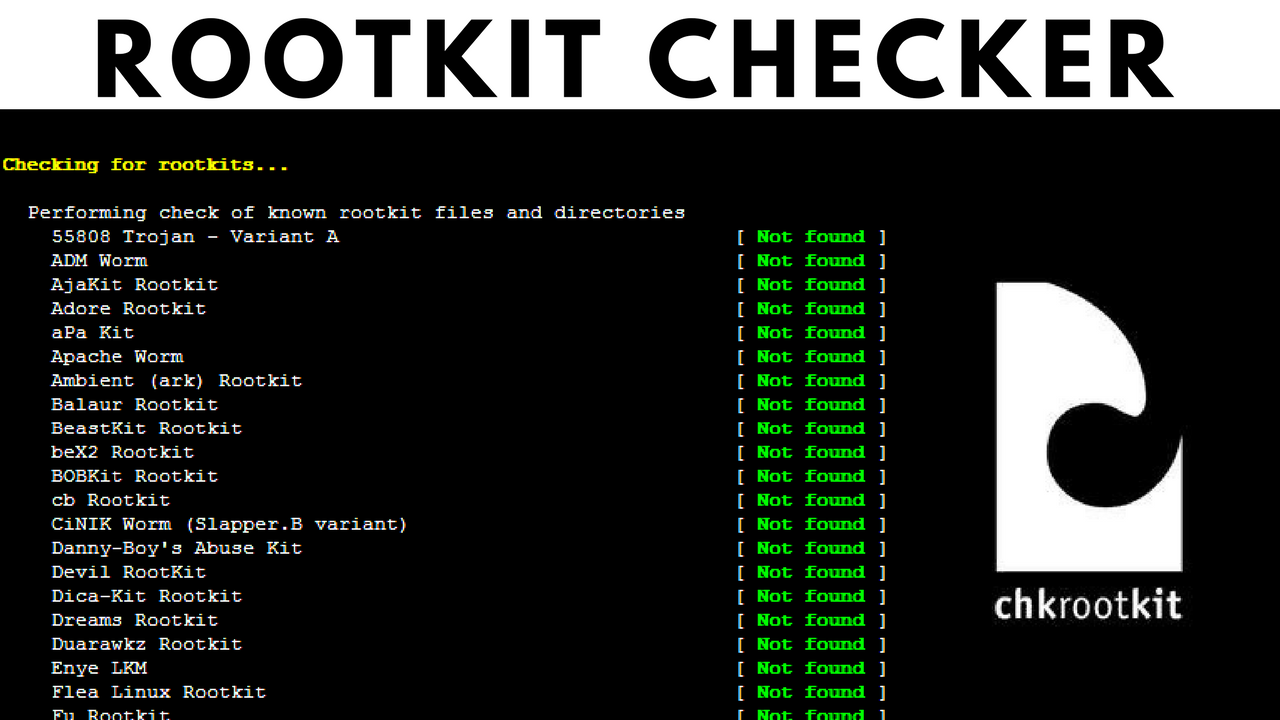
Internet-connected servers are subject to constant automated attacks every single day. While maintaining a local firewall and keeping packages upgraded are the fundamental rules for establishing a secure environment, running a regular system check against possible intrusions is equally vital. Using a dedicated Linux rootkit scanner helps you detect deep-level modifications, hidden malicious processes, and unauthorized system threats before they cause severe damage.
Key Points
- Rootkit scanners inspect core software binaries, system tables, and open ports for hidden modifications.
- Chkrootkit focuses on identifying classic rootkit signatures and unusual system process states.
- Lynis acts as an extensive configuration auditor, validating overall security baselines.
- Automating scans via crontab lets administrators receive vulnerability summaries daily by email.
Utilities like Chkrootkit and Lynis are invaluable when diagnosing suspicious system activity, such as unexplained processor spikes, unrecognized processes, or if your machine starts routing outbound spam. To broaden your system defensive framework, you should also learn how to install Linux Malware Detect, which complements signature scanners by focusing specifically on web-facing malware and script shells.
How to install and run Chkrootkit?
Chkrootkit is a classic tool used to scan for rootkits. It checks local binaries for modifications, searches for known rootkit files, and logs suspicious operational threads. To operate correctly, these defensive security tools require absolute root privileges. If you are authenticated via a standard user handle over SSH, escalate your status via sudo su before executing the software.
On Debian or Ubuntu-based setups, run the package manager command:
apt-get install chkrootkit
To initialize a standard scan sequence instantly, trigger the command line:
chkrootkit
Handling false-positive logs in Chkrootkit
When reviewing the resulting data stream, keep in mind that some warning logs are common false-positives. For instance, seeing a warning like `Checking ‘bindshell’… INFECTED (PORTS: 465)` is normal on active mail servers, as port 465 is the standard secure SMTPS route. Similarly, warnings pointing to structural paths like /sbin/init can occasionally happen on modernized init systems.
To automate your rootkit scanner linux routine, locate the binary destination using which chkrootkit and append an execution script to your local crontab -e configuration:
0 3 * * * /usr/sbin/chkrootkit 2>&1 | mail -s "Daily Chkrootkit Results" [email protected]
Lynis: Advanced configuration auditing and scanning
Lynis is an extensive universal security audit application designed to check your global operating system integrity, network compliance, and user account rules. It evaluates multiple configuration files and helps you harden your overall server layout.
To deploy the utility, navigate to your temporary file pool and fetch the target archive packages:
cd /tmp
wget https://cisofy.com/files/lynis-2.1.1.tar.gz
tar xvfz lynis-2.1.1.tar.gz
mv lynis /usr/local/
ln -s /usr/local/lynis/lynis /usr/local/bin/lynis
Verify that your structural definitions are up to date and launch the system check audit stream:
lynis update info
lynis audit system
To run this rootkit scanner as an autonomous job while minimizing interactive terminal breaks, add a quick flag to your night automation crontab:
0 3 * * * /usr/local/bin/lynis --quick 2>&1 | mail -s "Daily Lynis Security Audit" [email protected]
Please note that because our cloud instances are unmanaged services, our customer support handles host hypervisor accessibility, basic routing features, and server control panel operations. Hardening internal frameworks, scanning file nodes for vulnerabilities, and maintaining a secure kernel structure are handled by the administrator. Deploying your apps on high-speed hardware with optimized RAM and DISK resources ensures that nightly system auditing processes finish fast without dragging down active web applications.


