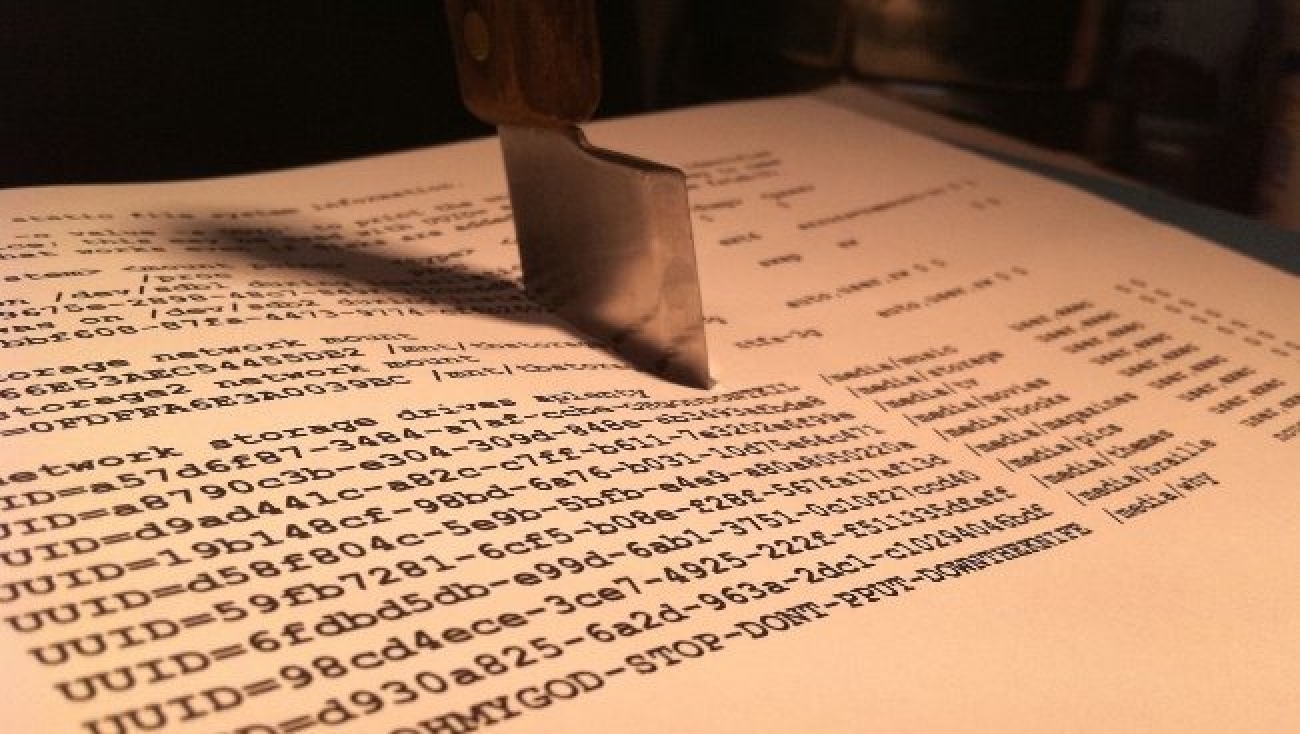
The fstab file, located in the /etc directory, is the primary configuration file that controls how Linux provides access to hard disk partitions. Unlike other operating systems, Linux uses a unified directory structure where each partition must be mapped to a specific point in the file tree to be accessible. Understanding how to mount a partition in Linux permanently is essential for managing storage across different drives and ensuring data availability after a reboot.
Key Points
- The /etc/fstab file defines how file systems are integrated into the Linux directory structure.
- Each entry in fstab consists of six fields: device, mount point, type, options, dump, and pass.
- Using UUIDs instead of device names (like /dev/sda1) prevents errors caused by disk renumbering.
- The root partition (/) must always be assigned a pass value of 1 for integrity checks.
Many Linux folders are located on partitions other than the root partition (/). For example, while /etc might be on the root partition, the /home directory can reside on a completely different physical disk. To better understand how these directories relate to each other, you can review our guide on the hierarchy of the file system in Linux.
What are the fields in the /etc/fstab file?
The /etc/fstab file consists of a series of lines, each containing 6 fields separated by spaces or tabs. Correctly configuring these fields is the only way to mount partition Linux permanently without manual intervention at every boot.
- File system: Specifies the partition via its device name (e.g.,
/dev/sda1) or, more reliably, its UUID. You can find the UUID using thesudo blkidcommand. - Mount Point (Dir): The location in the directory tree where the partition will be attached. This should be an empty directory.
- Type: The file system type (ext4, xfs, ntfs, etc.). Using
autoallows the kernel to detect it automatically. - Options: Parameters that modify how the kernel handles the file system. Common options include
defaults,ro(read-only), orrw(read-write). - Dump: Used by the dump utility for backups. Setting this to
0disables it, which is standard for most modern setups. - Pass: Determines the order of integrity checks by
fsck. The root partition must be1, others requiring checks should be2, and0disables the check.
How to mount permanently Linux disks using UUID?
Using the device name like /dev/sdb1 can lead to errors if the disk order changes after adding new hardware. Specifying partitions by UUID eliminates these errors because the UUID is unique to the file system itself rather than the hardware port it is plugged into.
When you mount permanently linux partitions on an unmanaged VPS, ensure you have verified the configuration before rebooting. While our support ensures that the virtual resources and optimized RAM and DISK are functional, the internal OS configuration and fstab management are the responsibility of the server administrator.


