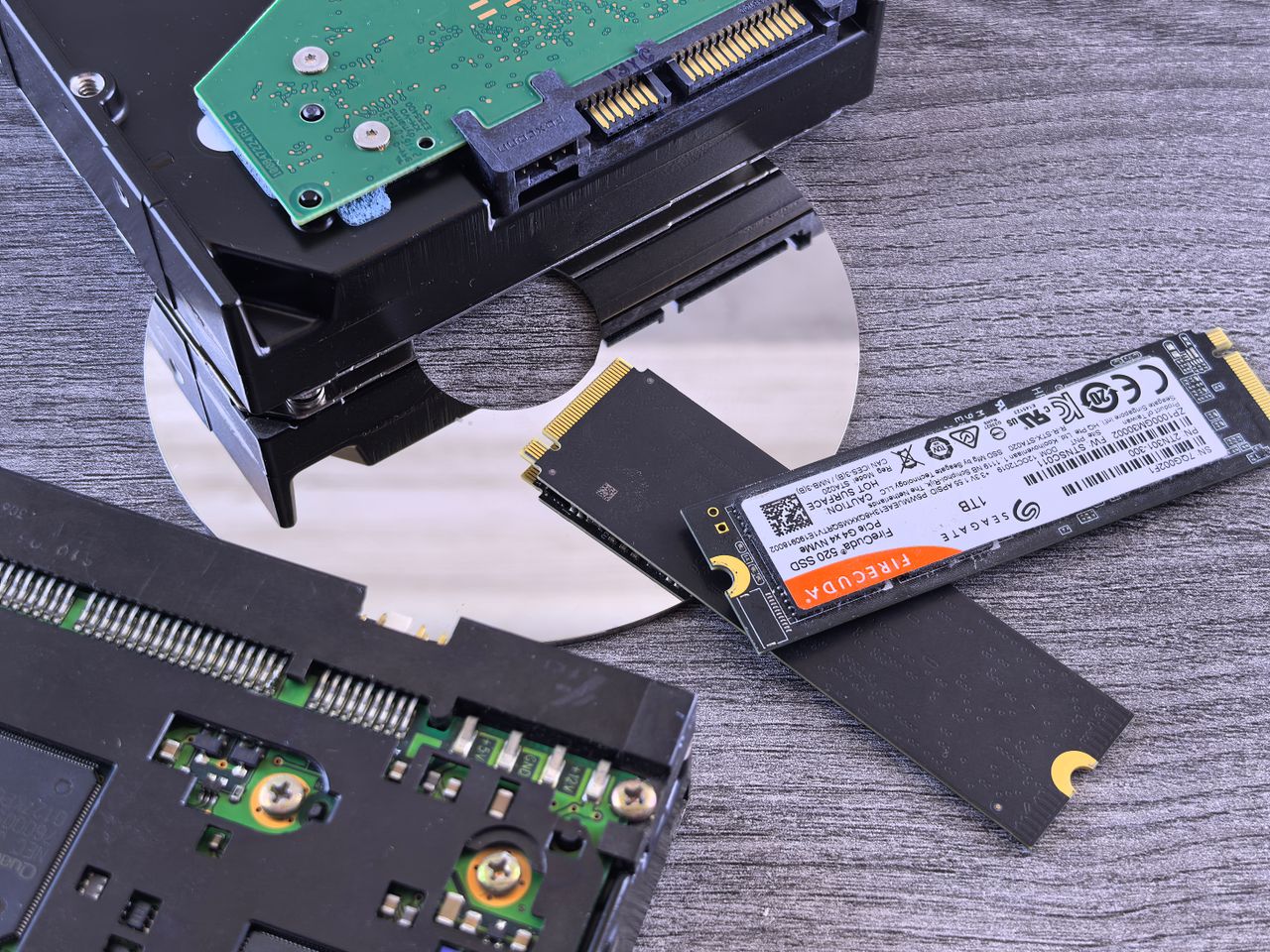
If you’re comparing SSD and NVMe VPS plans, the difference usually shows up in latency and parallel work more than in big MB/s numbers. Both use flash memory; what differs is how the drive talks to the server. Keep reading to see the benchmarks, what they mean for your site or database, and how to check what your VPS actually runs on.
Key points:
- For servers, NVMe’s bigger win is lower latency and far deeper command queues.
- Databases, busy WordPress sites, and SaaS apps feel NVMe most. Small cached sites, much less.
- In a VPS, you never get the raw drive speed, so test your server with fio instead of trusting the label.
What is the difference between SSD and NVMe?
“SSD” describes the storage (flash memory), while “NVMe” describes how the drive connects and communicates. When hosting companies say “SSD”, they usually mean a SATA SSD, which uses the same interface and AHCI protocol that hard drives have used for years. NVMe drives are also SSDs, but they plug into PCIe lanes and use a protocol written specifically for flash.
It sounds like a footnote, but the interface sets how fast the drive can respond and how many requests it can handle at once.
SSD vs NVMe: how do the numbers compare?
The table below compares a popular SATA SSD with a popular PCIe 4.0 NVMe drive, using the manufacturer’s own specifications. Both are Samsung consumer drives, so the comparison is fair, but data center drives in servers will have different figures:
| Metric | SATA SSD (Samsung 870 EVO) | NVMe SSD (Samsung 990 PRO) |
|---|---|---|
| Interface | SATA III | PCIe 4.0 x4, NVMe 2.0 |
| Sequential read | up to 560 MB/s | up to 7,450 MB/s |
| Sequential write | up to 530 MB/s | up to 6,900 MB/s |
| Random read (4K) | up to 98,000 IOPS | up to 1,400,000 IOPS |
| Random write (4K) | up to 88,000 IOPS | up to 1,550,000 IOPS |
| Typical protocol latency | ~60–100 µs (SATA/AHCI) | ~20 µs (NVMe) |
| Command queues | 1 queue, 32 commands | up to 64K queues, 64K commands each |
Sources: Samsung (1)(2) for drive specs, Oracle (3) for latency and queues.
Samsung itself states that the 870 EVO already reaches the maximum speed of the SATA interface (1). In other words, even the best SATA SSD can’t go much faster, because the connection holds it back.
For a server, we’d pay closer attention to latency – page loads and database queries often involve lots of small read operations, and each one adds to the total wait time. Lower latency means less time waiting for the disk, which helps the server respond faster.
Why do command queues matter so much?
Command queues decide how many requests a drive can work on at the same time. AHCI, the protocol behind SATA, uses a single command queue with 32 commands. NVMe supports up to 64K submission and completion queues, each with up to 64K commands (3)(4).
Think of a supermarket with one checkout and a line of 32 people, compared with a store that opens as many checkouts as it needs. A web server with dozens of PHP workers and a busy database sends lots of small requests at once. With one queue, they wait their turn, but with many, they’re handled in parallel.
Real drives don’t use anything close to 64K queues: Oracle notes that most real-world NVMe devices support far fewer, and that systems usually configure 16 to 256 queues (3). That’s still a huge step up from one. NVMe also has a leaner command path. A command fits in 64 bytes, and issuing it needs at most one register write (4). TechRepublic, citing a 2015 study by researchers from USC, San Jose State, and Samsung, reports a 4x reduction in system software overhead with NVMe on Linux (5).
What happens to NVMe speed inside a VPS?
This is the part many comparisons skip: a VPS doesn’t get a raw NVMe drive. It gets a virtual disk that the hypervisor maps onto the host’s storage, and several servers share that storage.
On KVM, the guest usually sees a virtio disk, not an NVMe device. QEMU describes virtio-blk as offering high performance thanks to a thin software stack, and says virtio-scsi may be slower because its stack is thicker (6). Either way, there’s a layer between your server and the drive, and it costs a little latency. So you won’t see 7,450 MB/s on a VPS, and no provider should promise it. What NVMe gives you is a much higher ceiling and lower base latency, so even after virtualization and sharing, there’s far more headroom than SATA could offer.
How does NVMe affect WordPress and databases?
WordPress and WooCommerce
A cached WordPress page is served from memory, so the disk barely matters. The difference appears on everything that isn’t cached: the admin panel, the shop cart and checkout, search, logged-in users, and imports. Each of those runs PHP, reads files, and fires off database queries, and each query that misses the cache hits the disk.
So the visitor reading your blog post may not notice NVMe at all but the shop owner editing 500 products, or a customer at checkout during a sale, will.
Databases
Databases are where the gap between NVMe and SSD hosting is the biggest. They do a lot of small random reads and writes, which is exactly the case where IOPS and latency matter and sequential MB/s doesn’t. TechRepublic reports that the same researchers measured database performance gains of up to 8x from a single NVMe drive compared with a single SATA drive (5).
However, there’s one catch: if your whole data set fits in RAM, the database reads mostly from memory, and the disk mainly handles writes and logs. That’s why RAM and storage should be sized together.
SaaS and developer environments
SaaS apps mix both patterns: a database, background jobs, logs, and uploads, often at once. Developers feel it elsewhere, since installing packages, building Docker images, and restoring database dumps are all disk-heavy jobs.
When is a SATA SSD enough?
A SATA SSD VPS is still a perfectly good choice for many light workloads. It’s far faster than a hard drive, and plenty of servers never push it. It’s usually enough for:
- static sites and small blogs with page caching
- a personal VPN or a small proxy
- small apps where the data fits comfortably in RAM
- test servers and side projects with little traffic
The gap starts to matter when you add databases, many concurrent users, or heavy writes.
What are the common myths about NVMe hosting?
- “NVMe will make my site 10 times faster.” It won’t; page load time also depends on the network, PHP, the theme, and caching. NVMe removes the disk as a bottleneck, but it can’t fix slow code.
- “Higher MB/s is what counts.” For servers, random IOPS and latency usually matter more. Big sequential numbers mostly help with backups, large file transfers, and restores.
- “NVMe on a VPS means I get the drive’s full speed.” Virtualization and shared hosts mean you get a slice of a much faster pool, not the whole drive.
- “NVMe hosting is always more expensive.” Not necessarily. At MVPS, for example, every plan uses NVMe, including the €4 one.
How much does NVMe VPS hosting cost?
For a VPS, NVMe no longer has to mean a premium price. At MVPS, every plan runs on NVMe storage, from VPS ONE at €4 a month (1 core, 2 GB RAM, 25 GB NVMe) up to the largest packages. If you want more resources per core, the Performance plans use enterprise-grade hardware with NVMe storage, starting at €9 a month for P-Basic.
How can you check what storage your VPS uses?
Look at the disk with lsblk
Log in over SSH and run:
lsblk -d -o NAME,ROTA,TRAN,SIZE
On a physical machine, TRAN shows nvme or sata, and ROTA shows 0 for flash and 1 for a spinning disk. On a KVM VPS, you’ll most likely see a disk called vda, since virtio block devices are named /dev/vda, /dev/vdb, and so on (7). That tells you the disk is virtual. It doesn’t tell you what’s underneath, so the real test is to measure.
Measure it with fio
fio is the standard tool for storage benchmarks. A 4K random read test with a queue depth of 32 and direct I/O is a common profile (8), and it looks like this:
fio –name=randread –rw=randread –bs=4k –ioengine=libaio –iodepth=32 –direct=1 –size=1G –runtime=60 –time_based –group_reporting
Look at the IOPS and the latency figures in the output. Run it more than once, and avoid running it on a production server at peak time, because the test itself loads the disk.
Local NVMe or network NVMe: does it matter?
Yes. Local NVMe sits in the same physical host as your VPS, while network storage sends every request across the network first. That extra hop adds latency, so local NVMe is usually the faster option for databases.
Network storage has its own strengths, though. AWS, for example, describes its instance store as “directly attached” block storage, but its data doesn’t survive instance stops, terminations, or hardware failures, while network-based EBS volumes keep their data through stops and can outlive the instance (9). So the trade-off is speed against flexibility. Whatever you choose, keep backups or snapshots of anything you can’t lose.
Is NVMe VPS hosting worth it?
For most real projects, yes. When you’re choosing between an NVMe and an SSD VPS, NVMe wins wherever a database, an online store, a SaaS app, or a build pipeline is involved, thanks to lower latency and room for many requests at once. If you want the background in plain language, read why NVMe VPS hosting is faster than traditional SSD hosting.
At MVPS, NVMe is the standard on every plan, with KVM virtualization and full root access. Configure your VPS today and run fio on it yourself.
FAQ
Is NVMe the same as M.2?
Can I upgrade from a SATA SSD VPS to NVMe?
Sources:
- Samsung Newsroom, Samsung 870 EVO SATA SSD announcement.
- Samsung Newsroom, Samsung 990 PRO NVMe SSD announcement.
- Oracle Linux Blog, An Overview of NVMe Architecture.
- University of New Hampshire InterOperability Laboratory, NVMe: Removing the Performance Bottleneck of SSDs.
- TechRepublic, NVMe: A cheat sheet.
- QEMU, Configuring virtio-blk and virtio-scsi Devices.
- IBM Documentation, Block device naming scheme (virtio).
- Virtuozzo Hybrid Infrastructure Benchmarking Guide, randread.fio.
- AWS Knowledge Center, Instance store vs EBS.